

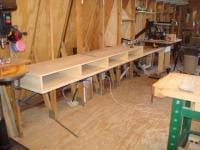
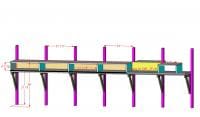
Chop Station.jpg


By Chester
- 1,720 views
- View Chester's images
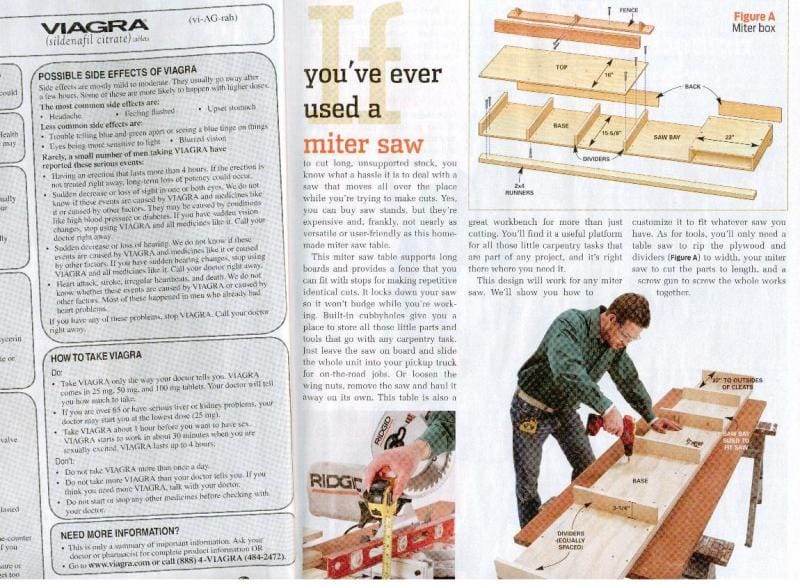
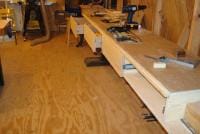
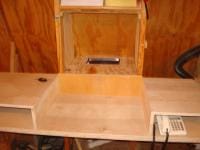
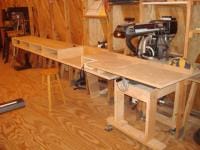
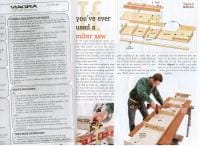
This is the basic magazine design that I used. I think that this was designed to be thrown in the back of a pickup, taken to a job site, mounted on saw-horses and then thrown back into the pickup. My design got a lot more complex when I decided that I wanted a full 8-feet to the left of the saw, I wanted the station to marry-up flush with my RAS table and I wanted the pockets on the left to have full extension slider drawers.
*Credit to Mudler Mike for sending me this magazine article ... thanks again MM!
Recommended Comments
Join the conversation
You can post now and register later. If you have an account, sign in now to post with your account.
Note: Your post will require moderator approval before it will be visible.